Blog
Abordamos tópicos de programación web, apps Android y escritorio con un enfoque 100% práctico y aplicado al mundo laboral.
- Escribe para buscar...
Conditional statements (x-if, x-show) and loops (x-for) in Alpine JS
19-11-2025 - Andrés Cruz
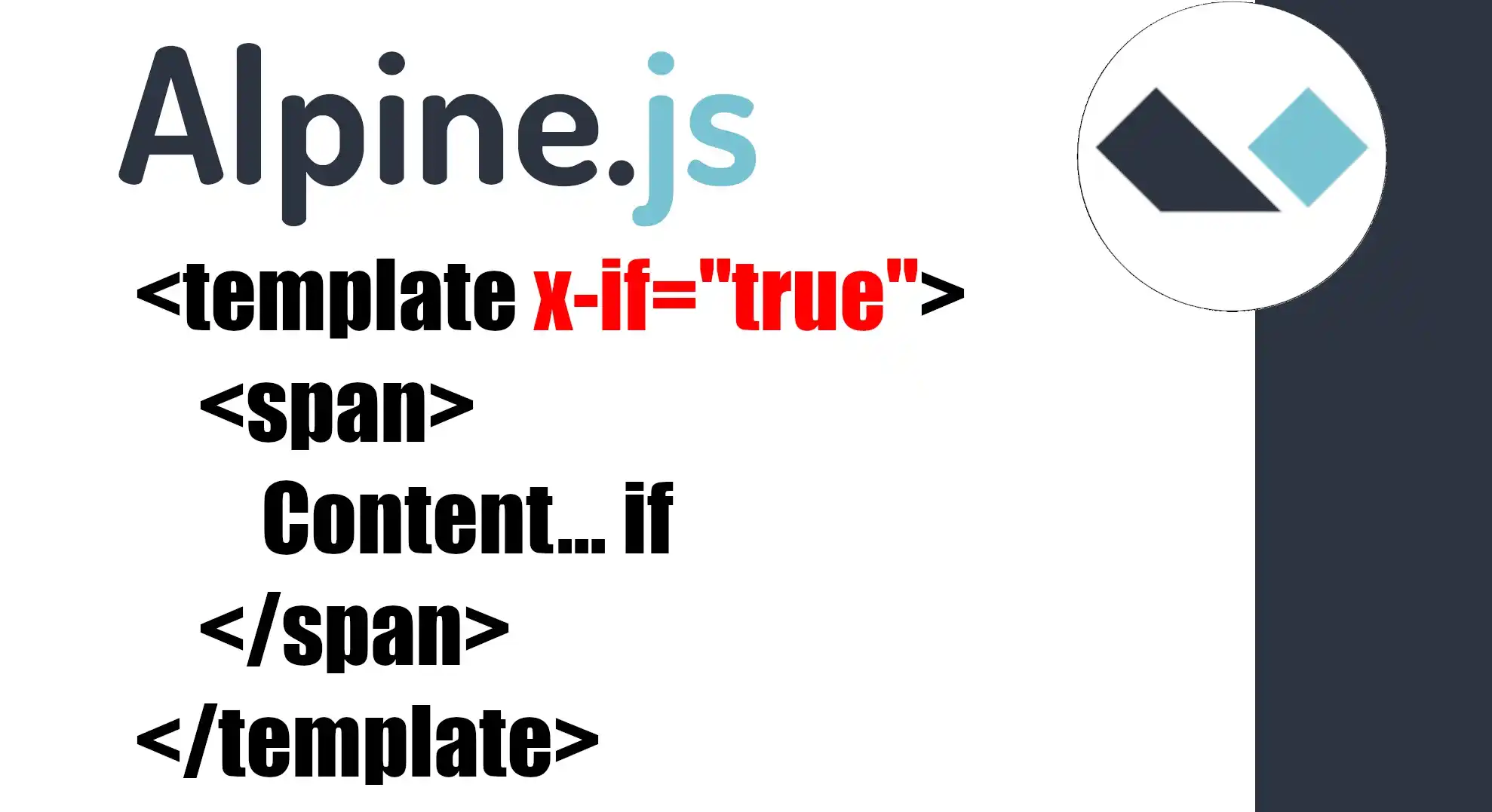
JavaScript We will learn how to use conditional statements in Alpine JS using x-if and x-show, and when to use one or the other, how to use x-for for listings, and how to use the template tag as a fundamental HTML element for using these directives.
Electron.js Event Guide: Control the lifecycle and navigation
21-11-2025 - Andrés Cruz

Electron.js How do events work in Electron.js? Master the Main process, WebContents, and detect network states, window loading and closing with this practical guide.
Keyboard Shortcuts: Shortcut in Electron.js
21-11-2025 - Andrés Cruz

Electron.js The globalShortcut module can register (or override) a global keyboard shortcut with the operating system; let's see how to use it and recommendations for its use in Windows and MacOS.
Deployment, Packaging and Distributing of an Electron.js application to production
23-01-2026 - Andrés Cruz

Electron.js We are going to learn how to generate a ready-to-use production application through an executable; for this, we will use the Electron builder package.
Debug (devTools) application in Chrome Electron.js
03-03-2026 - Andrés Cruz

Electron.js We will learn how to open the developer console in a window in Electron so that we can debug our apps.
Persisting data on the client with Alpine.js
18-05-2025 - Andrés Cruz

JavaScript We will learn how to use the Alpine persist plugin with which we can persist data on the client.
x-ref for creating HTML element references in Alpine.js
19-11-2025 - Andrés Cruz
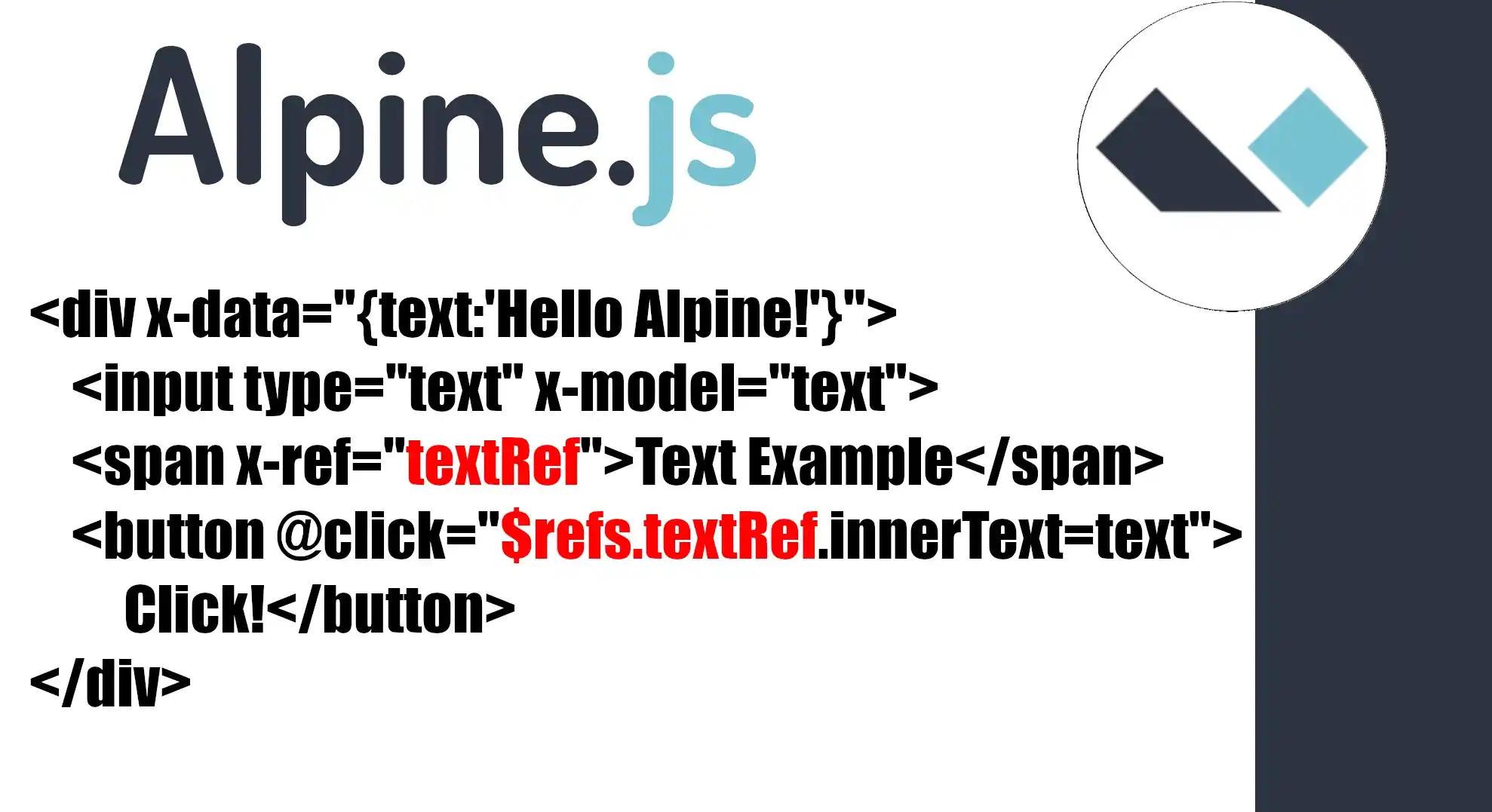
JavaScript Learn how to use the x-ref directive in Alpine.js to easily access and manipulate DOM elements, avoiding the use of document.querySelector. This tutorial covers the use of $refs, how to create dynamic references within x-for loops, and important limitations in Alpine v3.
To Do List Application with Alpine JS
05-01-2025 - Andrés Cruz

JavaScript We will see the development to implement a To Do List application and its CRUD with Alpine JS and we will use Bootstrap CSS for the visuals.
Copying Text to the Clipboard with JavaScript — Clipboard API and navigator.clipboard.writeText()
15-11-2026 - Andrés Cruz
JavaScript Learn how to use navigator.clipboard.writeText() to copy text to the clipboard in JavaScript. Includes examples using async/await, HTTPS permission requirements, and reading images from the clipboard.
window.getSelection() in JavaScript: how to detect selected text, highlight it, and create notes
10-11-2026 - Andrés Cruz
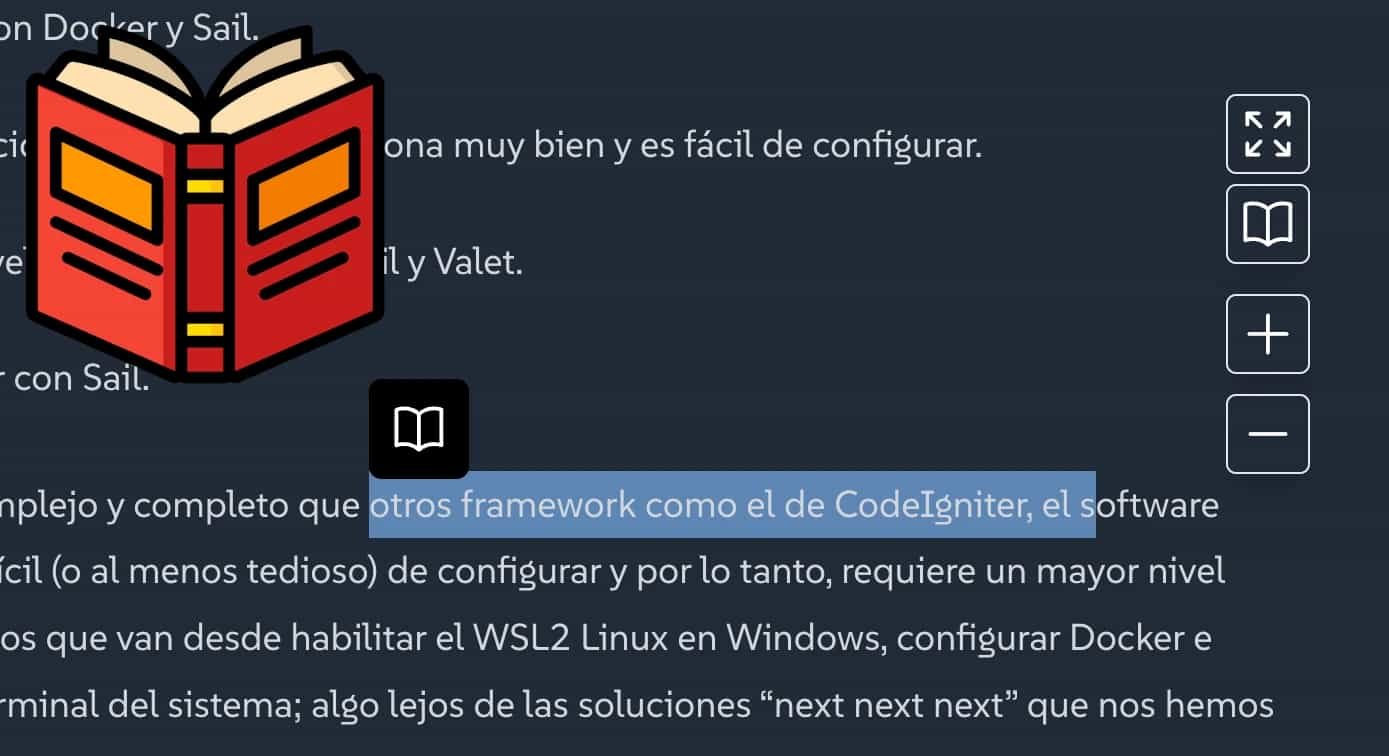
JavaScript Learn how to use window.getSelection() in JavaScript to detect selected text, reconstruct ranges using document.createRange(), and apply persistent highlights. Includes real-world examples and solutions for issues involving nested <span> elements.