Content Index
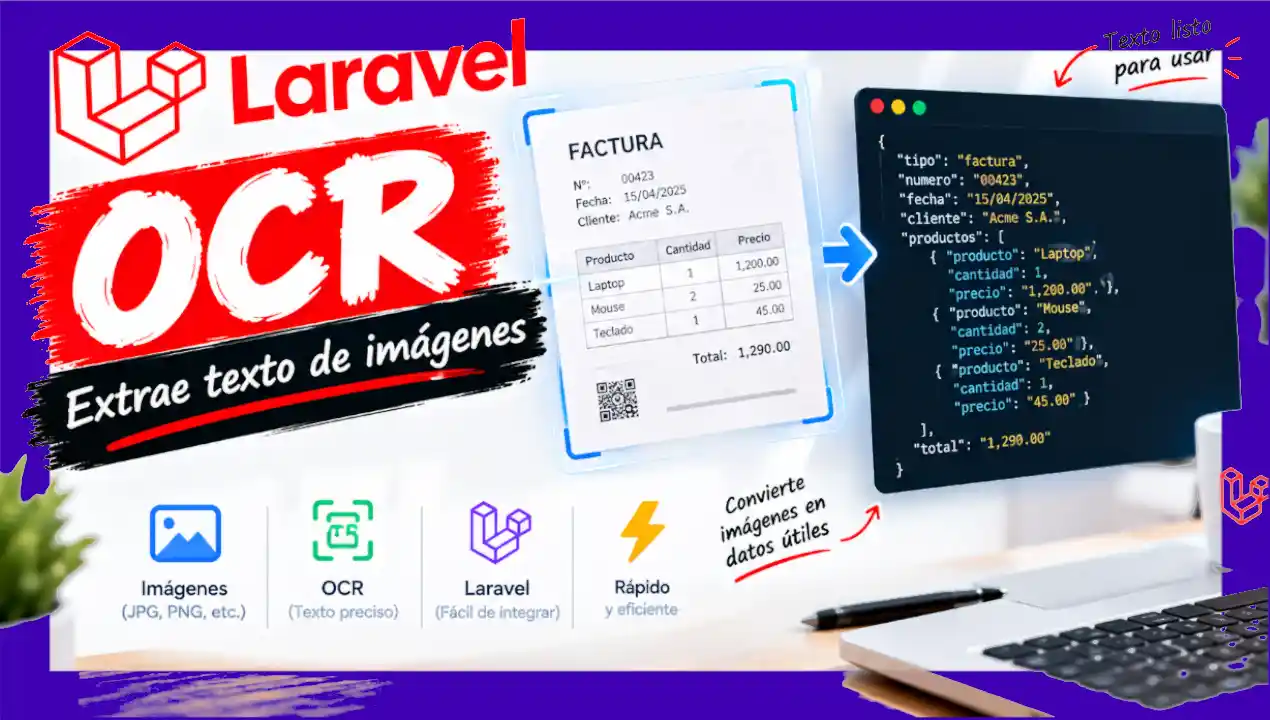
Optical Character Recognition (OCR) is a technology that allows extracting text from images or PDF files. In Laravel applications, this functionality can be easily integrated using specialized file processing packages.
Unlike other libraries, the standard installation is lightweight. Publishing configuration files and migrations is optional, as they are only required if you want to store processing history and accuracy percentages in the database.
Basic Installation and Configuration
To start using the OCR module in the project, we install the package via Composer:
$ composer require mayaram/laravel-ocrOptionally, if you need to customize extraction engines or register persistent storage, you can publish the package assets:
$ php artisan vendor:publish --tag=laravel-ocr-config
$ php artisan vendor:publish --tag=laravel-ocr-migrations
$ php artisan migrate
$ php artisan laravel-ocr:doctor
$ php artisan laravel-ocr:process storage/app/sample-invoice.pdf --type=invoice
Controller Implementation
To handle file upload requests, we create a controller with two main methods: one to render the upload form and another to execute the OCR analysis on the uploaded document.
<?php

namespace App\Http\Controllers;

use App\Http\Requests\Ocr\ExtractTextRequest;
use Illuminate\Contracts\View\View;
use Illuminate\Support\Facades\Storage;
use Mayaram\LaravelOcr\Exceptions\OCRException;
use Mayaram\LaravelOcr\Facades\LaravelOcr;

class OcrController extends Controller
{
    public function create(): View
    {
        return view('ocr.create');
    }

    public function store(ExtractTextRequest $request): View
    {
        $file = $request->file('document');
        $path = $file->store('ocr', 'local');

        $options = array_filter([
            'language' => $request->string('language')->toString() ?: null,
        ]);

        try {
            $result = LaravelOcr::extract(Storage::disk('local')->path($path), $options);
        } catch (OCRException $e) {
            report($e);

            return view('ocr.create', [
                'error' => 'Could not read document: '.$e->getMessage(),
                'oldLanguage' => $request->string('language')->toString(),
            ]);
        }

        return view('ocr.result', [
            'fileName' => $file->getClientOriginalName(),
            'result' => $result,
        ]);
    }
}
Blade View and Form
The Blade form allows selecting the file (image or PDF) and setting the content language to optimize the recognition engine:
<div class="max-w-2xl mx-auto px-6">
    <div class="bg-white rounded-xl shadow p-6">
        <h1 class="text-2xl font-bold mb-2">OCR with Tesseract</h1>
        <p class="text-sm text-gray-500 mb-6">Upload an image (png, jpg, tiff, bmp) or a PDF and we will extract its text.</p>

        @isset($error)
            <div class="mb-6 rounded-lg bg-red-50 border border-red-200 text-red-700 text-sm px-4 py-3">
                {{ $error }}
            </div>
        @endisset

        @if ($errors->any())
            <div class="mb-6 rounded-lg bg-red-50 border border-red-200 text-red-700 text-sm px-4 py-3">
                <ul class="list-disc ps-5 space-y-1">
                    @foreach ($errors->all() as $message)
                        <li>{{ $message }}</li>
                    @endforeach
                </ul>
            </div>
        @endif

        <form method="POST" action="{{ route('ocr.store') }}" enctype="multipart/form-data" class="space-y-5">
            @csrf

            <div>
                <label for="document" class="block text-sm font-semibold mb-2">Document</label>
                <input id="document" name="document" type="file" required
                        accept=".png,.jpg,.jpeg,.pdf,.tiff,.bmp"
                        class="block w-full text-sm text-gray-600 file:mr-4 file:rounded-lg file:border-0 file:bg-blue-600 file:px-4 file:py-2 file:text-sm file:font-semibold file:text-white hover:file:bg-blue-700">
            </div>

            <div>
                <label for="language" class="block text-sm font-semibold mb-2">Language</label>
                <select id="language" name="language"
                        class="block w-full rounded-lg border border-gray-300 p-2 text-sm">
                    @foreach (['eng' => 'English', 'spa' => 'Spanish', 'eng+spa' => 'English + Spanish'] as $value => $label)
                        <option value="{{ $value }}" @selected(($oldLanguage ?? 'eng') === $value)>{{ $label }}</option>
                    @endforeach
                </select>
            </div>

            <button type="submit"
                    class="w-full bg-blue-600 hover:bg-blue-700 text-white text-sm font-semibold px-4 py-2 rounded-lg">
                Extract text
            </button>
        </form>
    </div>
</div>
And to display the result:
<div class="max-w-3xl mx-auto px-6 space-y-6">
    <div class="bg-white rounded-xl shadow p-6">
        <h1 class="text-2xl font-bold mb-6">Extracted Text</h1>

        <dl class="grid grid-cols-2 gap-4 text-sm mb-6">
            <div>
                <dt class="text-gray-500">File</dt>
                <dd class="font-semibold">{{ $fileName }}</dd>
            </div>
            <div>
                <dt class="text-gray-500">Engine</dt>
                <dd class="font-semibold">{{ $result['metadata']['engine'] ?? '—' }}</dd>
            </div>
            <div>
                <dt class="text-gray-500">Language</dt>
                <dd class="font-semibold">{{ $result['metadata']['language'] ?? '—' }}</dd>
            </div>
            <div>
                <dt class="text-gray-500">Confidence</dt>
                <dd class="font-semibold">{{ round(($result['confidence'] ?? 0) * 100, 1) }}%</dd>
            </div>
        </dl>

        <h2 class="text-sm font-semibold text-gray-500 mb-2">Detected Text</h2>
        <pre class="bg-gray-900 text-gray-100 rounded-lg p-4 text-sm whitespace-pre-wrap max-h-96 overflow-auto">{{ $result['text'] ?? '' }}</pre>

        <a href="{{ route('ocr.create') }}"
            class="inline-block mt-6 bg-blue-600 hover:bg-blue-700 text-white text-sm font-semibold px-4 py-2 rounded-lg">
            Upload another document
        </a>
    </div>
</div>
Use Case Analysis and Technical Limitations
The effectiveness of OCR processing directly depends on the quality of the original file and the hardware resources available on the server:
- Flat screenshots or standard documents: Provide a confidence percentage close to 90%, achieving clean text extraction.
- Images with complex or handwritten typography: Present difficulties in stroke recognition, which reduces confidence levels or generates inconsistent results.
- Large PDF documents: Synchronous processing of high-volume files (for example, manuals with over 30 pages) can exceed PHP's execution time limit (time-out) or exhaust memory allocated to the server.
For handling large documents in production environments, it is recommended to delegate OCR processing to background job queues (Queues) or pre-segment the document into smaller page chunks.