Content Index
Regardless of the technology used, keeping projects up to date is essential to ensure their relevance, fix security vulnerabilities, and incorporate new features. Software projects are constantly evolving, so periodically updating dependencies is a natural part of their lifecycle.
Update Strategies According to the Ecosystem
The process for updating packages varies considerably depending on the programming language or development environment:
- PHP: Management is straightforward using the
composer updatecommand, which updates packages respecting the ranges defined incomposer.json. - Node.js: Although commands like
npm updateor tools like npm-check-updates exist, in small or medium-sized projects it is practical to delete thepackage-lock.jsonfile and reinstall the dependencies to get the latest versions. - Flutter: A similar strategy is often applied by deleting the
pubspec.lockfile. In this ecosystem, omitting strict version pinning can be a common practice depending on the project's pace of updates.
Dependency Management and Updates in Python
In the Python ecosystem, project dependencies are recorded by convention in a file named requirements.txt. This file allows replicating the development environment in virtual environments, Docker containers, or production servers.
To generate this file with the exact versions installed in the active environment, the following command is used:
pip freeze > requirements.txtThe Challenge of Freezing Versions
While specifying exact versions guarantees the reproducibility of a project, it also "condemns" it to become outdated over time. Manually modifying the requirements.txt file without testing compatibility between packages is risky.
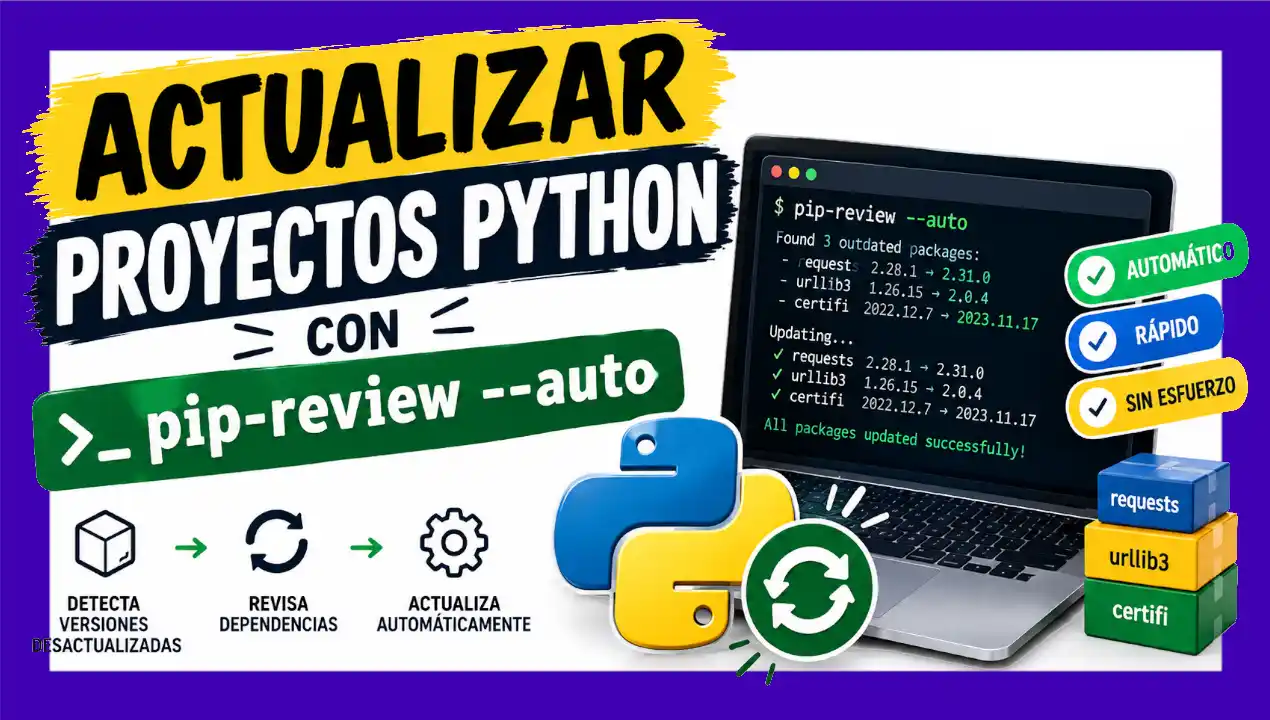
To automate finding and updating dependencies in Python, you can use the tool pip-review.
Using pip-review for Automatic Updates
Before performing any update, it is essential to verify that the project is working properly in the active virtual environment. Once confirmed, the tool is installed and executed:
# Installing pip-review
pip install pip-review

# Checking and automatically updating dependencies
pip-review --auto
Resolving Version Conflicts in Frameworks like FastAPI
In environments with a fast development pace such as FastAPI, automatic updates can generate conflicts between interdependent packages (for example, with the pydantic and pydantic-core libraries).
If an automatic update command does not assign the latest available version due to internal incompatibilities, diagnostic tools like pip check can be used to identify the exact cause of the conflict:
# Diagnosing dependency inconsistencies
pip check
If it is detected that the main version of a framework requires a specific version of a core package, you can force a direct update using the --upgrade flag of pip:
# Explicit update of key packages
pip install --upgrade fastapi pydantic-core
For example, in a FastAPI project I received an error like:
$ pip check
pydantic 2.13.4 has requirement pydantic-core==2.46.4, but you have pydantic-core 2.46.5.
The reason why fastapi was downgraded (or why it cannot be updated further) is that pydantic 2.13.5 or pydantic-core 2.46.5 restrict the versions of packages that depend on them. When you execute automatic resolutions or force a cascading downgrade, pip tries to fit all the puzzle pieces together by lowering the versions of the main frameworks so they do not break with the Pydantic core.
pip install "pydantic-core==2.46.4"Final Verification and Freezing
Once the update of key packages is completed, system behavior must be validated by running the automated test suite and performing manual tests on the application. Once stability is confirmed, export the new list of updated dependencies:
pip freeze > requirements.txtBest Practices for Maintenance
- Frequency: It is not necessary to update dependencies weekly; performing this process one to three times a year is usually sufficient for most projects.
- Security Reviews: Always check the release notes (changelog) of the main framework to assess whether an update includes critical security patches.
- Test Environments: Always run the update process in an isolated environment before deploying changes to production.