
Content Index
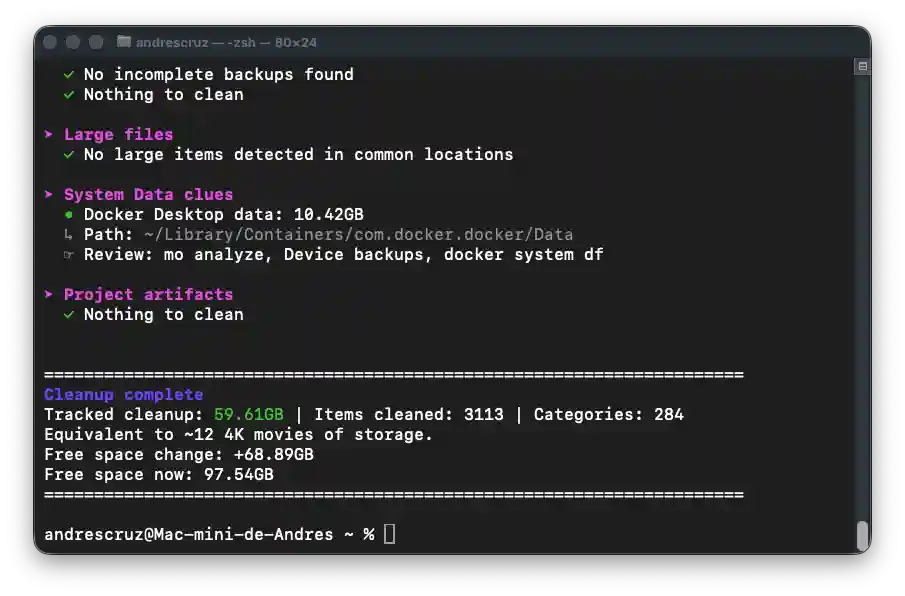
There is a free and open-source software tool designed specifically for cleaning and optimizing storage on macOS systems directly from the terminal. Through this program, it is possible to identify and delete unnecessary residual files, recovering significant volumes of disk space (freeing up, for example, up to 60 GB on a primary computer and nearly 12 GB on a secondary system).
1. Tool Installation - FREE
Since it is an open-source utility, the installation process is extremely simple and straightforward. If you manage your packages using Homebrew, you can install it by running the following command in your terminal:
$ brew install moleIf you do not use this package manager, the official installer provides an alternative executable script directly via Bash:
# Optional args: -s latest for main branch code, -s 1.17.0 for specific version

$ curl -fsSL https://raw.githubusercontent.com/tw93/mole/main/install.sh | bash
2. Execution and Cleaning Options
Once the installation is complete, the program is invoked from the console by typing its base command:
$ moleUpon running it, the interface will display an interactive menu with the available optimization options:
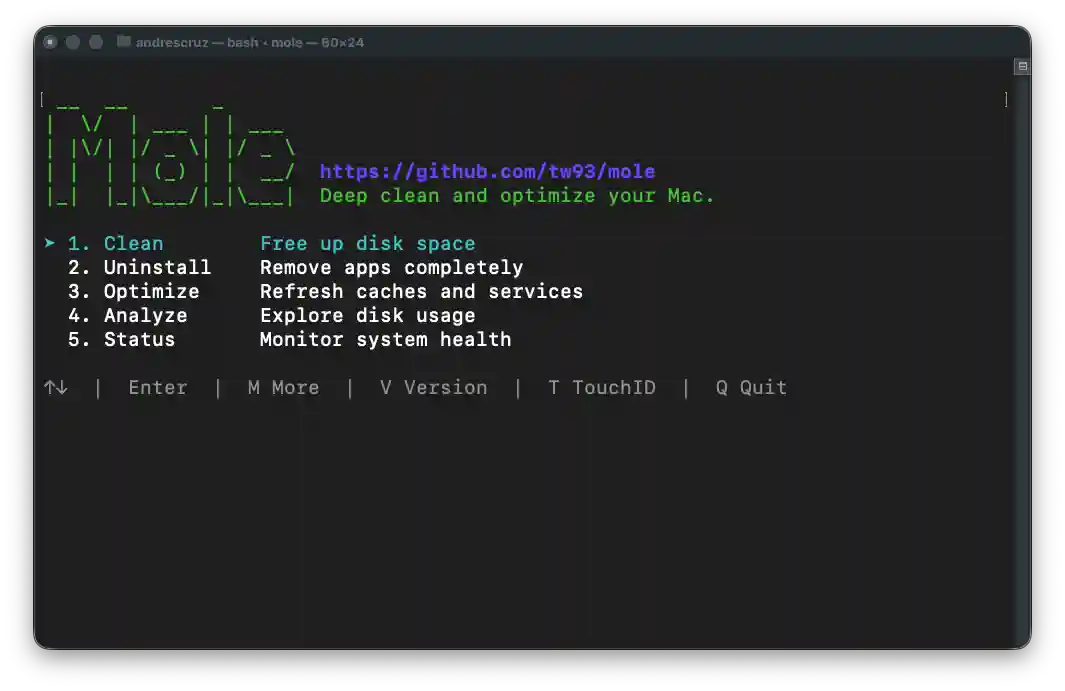
- General Clean: It is the main function of the program. It performs an exhaustive scan of the operating system and safely deletes accumulated caches, old logs, and temporary files, including development software such as Flutter:
- Advanced Uninstallation: A specialized option to completely remove complex and heavy applications that usually leave deep traces in the system, as is the case with the Xcode development environment.
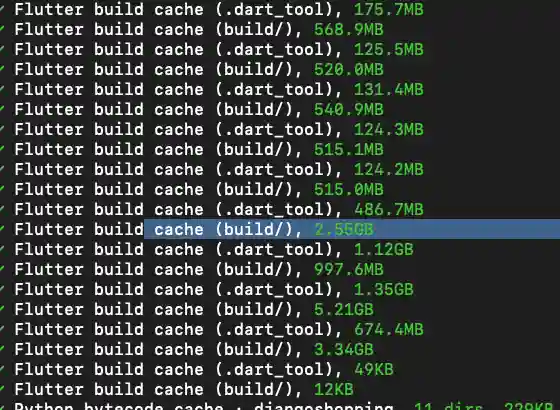
After selecting the desired option, the software will automatically start the entire debugging workflow, returning terminal control to the user once the disk space has been successfully freed up.