Content Index
- What is x-ref in Alpine.js and what is it for
- How $refs works inside an Alpine component
- Accessing the DOM without querySelector
- Important limitations in Alpine v3
- Real Solutions for Multiple References
- ✔ Option 1 — Use dynamic :x-ref inside x-for (elegant solution)
- ✔ Option 2 — Use querySelectorAll (universal fallback)
- ✔ Option 3 — Manually map refs in init()
- Good Practices When Working with x-ref
- Frequently Asked Questions about x-ref
- Conclusion
When I started working with Alpine.js, one of the first things that caught my attention was how similar its way of referencing elements was to the refs system I had already used in Vue. The difference is that Alpine does it with a much smaller, simpler, and more direct approach; perfect for those cases where I don't want to set up an entire Vue application just to solve a specific interaction.
We already know how to use conditionals and loops in Alpine JS, let's move on to another topic.
What is x-ref in Alpine.js and what is it for
x-ref is the way Alpine.js offers to mark a DOM element and access it within the component without using `document.querySelector` or global IDs.
It is, literally, the light version of `ref` in Vue.
<span x-ref="myText">Hello</span>
<button @click="$refs.myText.remove()">Remove</button>
Which is equivalent to:
document.querySelector(".myText")Alpine automatically exposes all references declared with x-ref inside the magical object $refs.
x-ref allows us, as its name indicates, to reference an HTML element in a certain way—in other words, it is the same as using `document.getElementById` or `querySelector` or the 10 available in JavaScript.
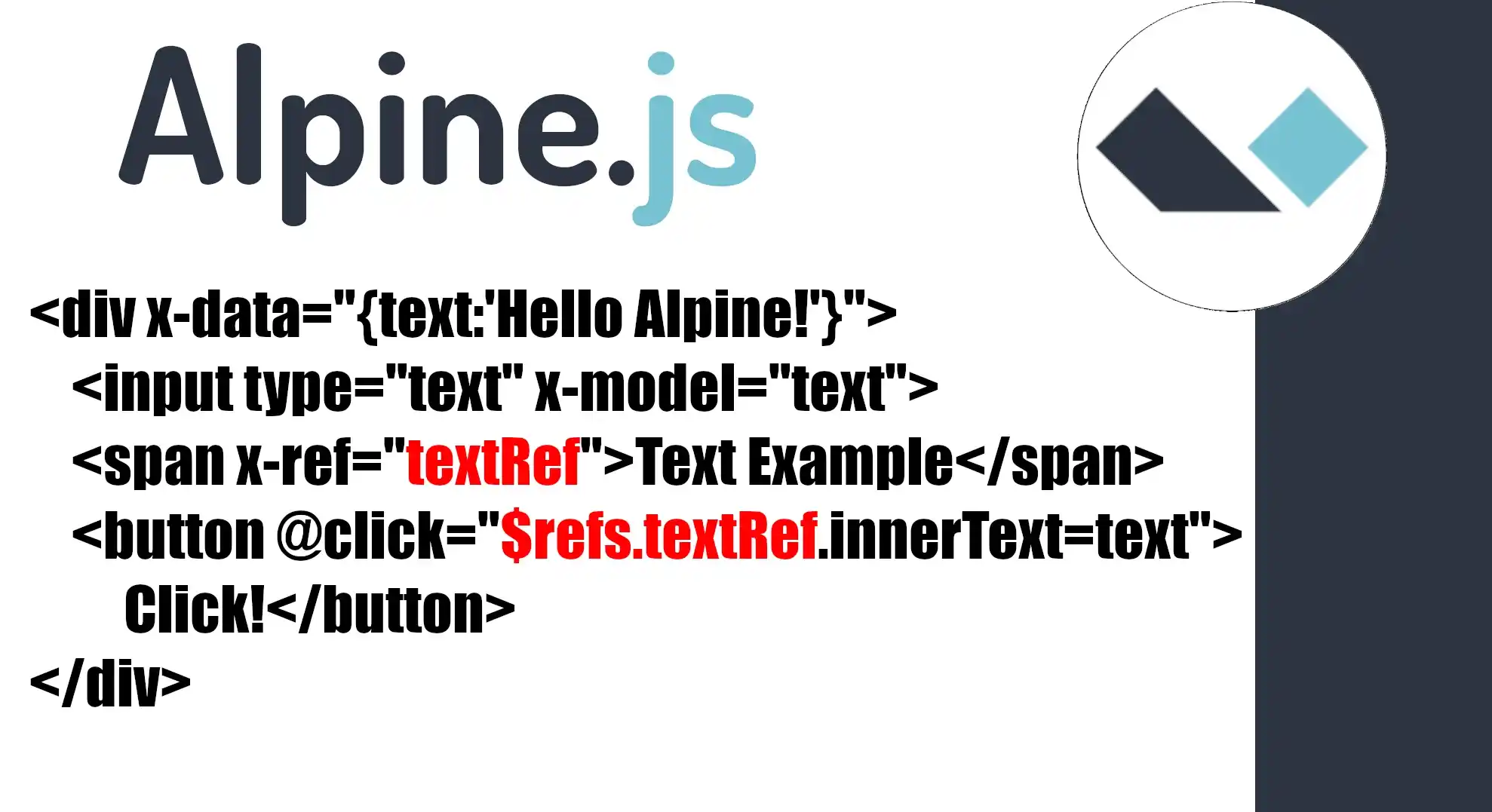
But it would be Alpine's way. Its use is simple; we simply give it a tag—that is, as if it were the ID, class, name, a custom attribute, whatever you want—and from there, we reference it as follows. Always remember that dollar references are common in this type of framework:
<div x-data="{text:'Hello Alpine!'}">
    <input type="text" x-model="text">
    <p x-text="text"></p>
    <span class="classExample" x-ref="textRef">Text Example</span>
    <button @click="$refs.textRef.innerText=text">Click!</button>
    <button @click="console.log($refs.textRef)">Click!</button>
</div>
How $refs works inside an Alpine component
Every time you declare a reference, Alpine indexes it strictly by its literal name:
<span x-ref="title"></span>Access:
this.$refs.titleAlpine does not interpret or evaluate that name: if you write "item.name", then the reference will be literally called "item.name".
Accessing the DOM without querySelector
One of the advantages of Alpine is that it prevents you from having to write:
document.querySelector(".class")You can manipulate directly:
this.$refs.title.textContent = "New title"Important limitations in Alpine v3
In Alpine v2, you could create refs dynamically within loops.
In Alpine v3, this is not possible.
This means that if you write:
<span x-ref="link[0]"></span>
<span x-ref="link[1]"></span>
Alpine DOES NOT create an array, nor does it interpret `link[0]`.
It creates two refs literally named:
"link[0]" "link[1]"And that's why:
console.log(this.$refs.link) // undefined
## Ejemplo básico de x-ref (estático y recomendado)
<div x-data="example">
   <span x-ref="text">Hola</span>
   <button @click="$refs.text.textContent = 'Cambiado'">Cambiar</button>
</div>
<script>
function example() {
   return {
       init() {
           console.log(this.$refs.text) // <span>Hola</span>
       }
   }
}
</script>
No matter what you write inside `x-ref="..."`, Alpine only takes the value as a literal string.
Real Solutions for Multiple References
Here are the alternatives that *do* work in Alpine v3.
✔ Option 1 — Use dynamic :x-ref inside x-for (elegant solution)
If you need dynamic refs, declare the ref as a binding:
<template x-for="(question, index) in questions">
   <span :x-ref="'topic-' + question.id" x-text="question.text"></span>
</template>
Now Alpine generates refs with names like:
- "topic-1"
- "topic-2"
- etc.
Access:
this.$refs["topic-" + id].textContent = "New text"✔ Option 2 — Use querySelectorAll (universal fallback)
If you want a real array:
let items = [...this.$root.querySelectorAll('[data-ref="item"]')]
items[0].textContent = "First"
HTML:
<span data-ref="item">A</span> <span data-ref="item">B</span>It is more "vanilla," but it always works.
✔ Option 3 — Manually map refs in init()
<span :x-ref="'link-' + index" x-for="(item, index) in items"></span>
init() {
   this.links = Object.keys(this.$refs)
       .filter(r => r.includes('link-'))
       .map(r => this.$refs[r])
}
Now `this.links` is a real array.
Another example:
<ul x-data="quiz">
    <template x-for="q in questions">
        <li>
           <span :x-ref="'topic-' + q.id" x-text="q.text"></span>
        </li>
    </template>
</ul>

<script>
function quiz() {
    return {
        questions: [
            { id: 1, text: "Question 1" },
            { id: 2, text: "Question 2" }
        ],
        init() {
            this.$refs["topic-1"].textContent = "Change!"
        }
    }
}
</script>
Good Practices When Working with x-ref
- When to use Alpine vs Vue, based on my experience
- When I only need to change a text, hide a menu, or manipulate a small block, Alpine is ideal.
This is precisely what convinced me: I can use a refs pattern similar to Vue, but with a much smaller framework and no configuration.
- When I only need to change a text, hide a menu, or manipulate a small block, Alpine is ideal.
- Keep Alpine simple
- Use x-ref only for specific manipulation.
- If you need complex structures, use IDs or classes.
- Avoid relying on arrays of refs: Alpine does not support them.
Frequently Asked Questions about x-ref
- How to avoid undefined?
- Do not use arrays inside x-ref.
- Make sure you access the ref after Alpine has mounted (`init()` or `$nextTick`).
- How to use x-ref with x-for?
- Always with `:x-ref="..."`:
- `<span :x-ref="'item-' + index"></span>`
- Differences between Alpine v2 and v3
- v2: Dynamic refs *did* work.
- v3: Only static refs $\rightarrow$ faster, but less flexible.
Conclusion
x-ref is a simple yet powerful tool in Alpine.js. Its behavior is very similar to Vue's refs system, which personally made me feel at home from day one. However, Alpine maintains its minimalist philosophy: no native refs arrays, no evaluated expressions inside the attribute.
If you understand this limitation and use solutions like :x-ref, dynamic IDs, or `querySelectorAll`, you can work with multiple references without a problem.
Alpine remains the perfect option for me when I don't want to spin up an entire application just to handle a couple of DOM interactions.
Next step, learn how to persist data on the client side with Alpine.js