
Content Index
I will quickly show you how you can create a live or animated background using Flutter and a simple package that makes this task extremely easy. For this example, we are using a simple base structure with a StatefulWidget, which is the ideal class for handling animations, as an animated background involves constant changes in the interface.
Previously we saw how to create an app with language support in Flutter.
1. Initial Setup and Package
Everything starts with the package called animated_background. To use it, you must add it to your pubspec.yaml file:
dependencies:
 animated_background: ^2.0.0 # Verifica la última versión en pub.dev
In our Scaffold, inside the body, we will use the main class of the package: AnimatedBackground. The interesting part is that this widget wraps any other element you want to display (like a Container or a Text), placing the animation underneath.
Basic structure:
void main() {
 runApp(MyApp());
}
class MyApp extends StatefulWidget {
 // This widget is the root of your application.
 @override
 _MyAppState createState() => _MyAppState();
}
class _MyAppState extends State<MyApp> with SingleTickerProviderStateMixin {
 @override
 Widget build(BuildContext context) {
   return MaterialApp(
     home: Scaffold(
       appBar: AppBar(
         title: Text('Medidor app 2'),
       ),
       body: ###FONDO ANIMADO###
     ),
   );
 }
}
In the part that says ###ANIMATED BACKGROUND### you can place your animated background according to the features I mention below:
2. Basic Background
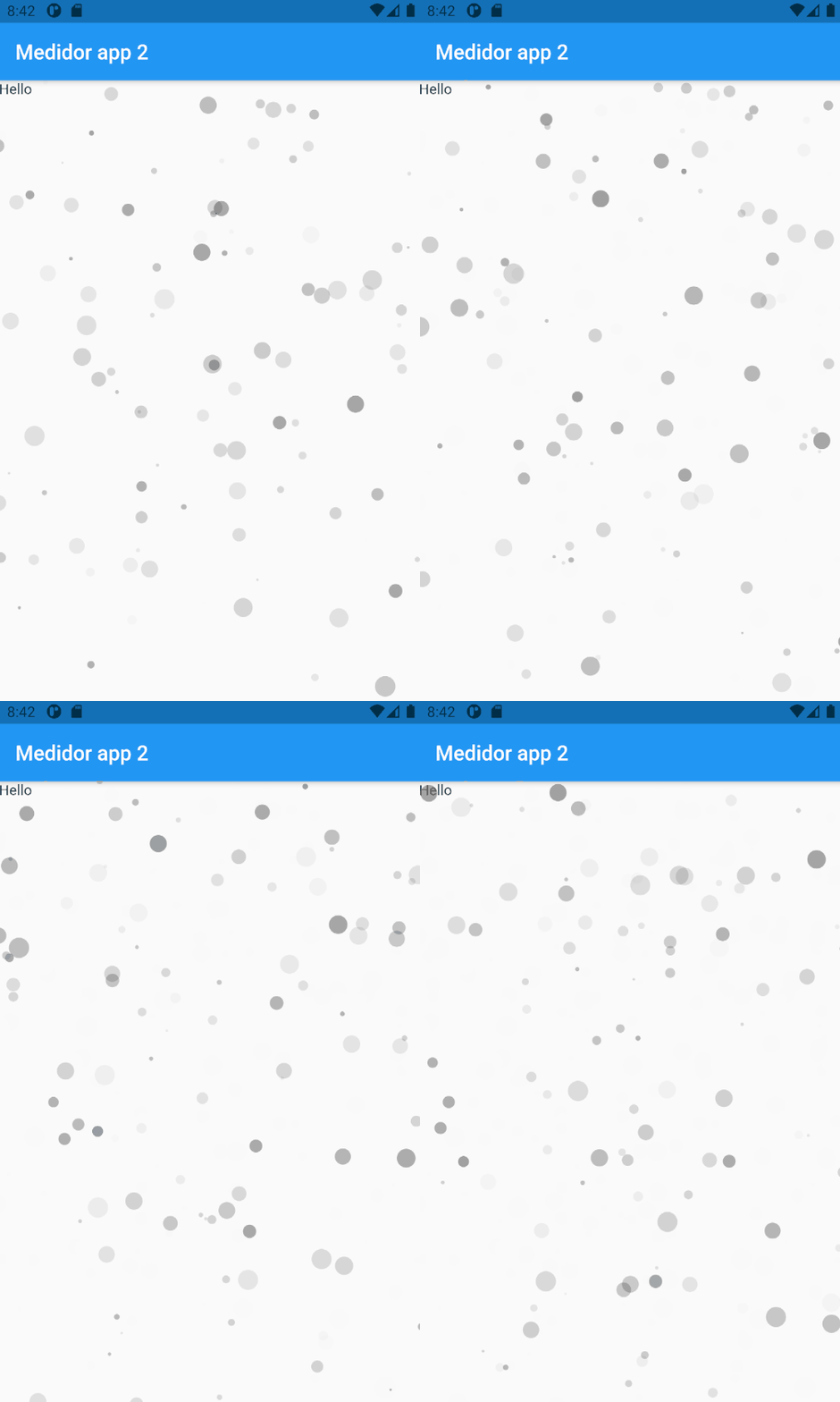
The simplest design would be based on particles, and it looks as follows; we use the AnimatedBackground class to indicate that we want an animated background and we specify the behavior, which in this first example is random particles:
AnimatedBackground(
           behaviour: RandomParticleBehaviour(),
           vsync: this,
           child: Text('Hello'),
         ),
Be very mindful of vsync: this to indicate that it is an animatable resource.
And with this:
2.1 Particle Options
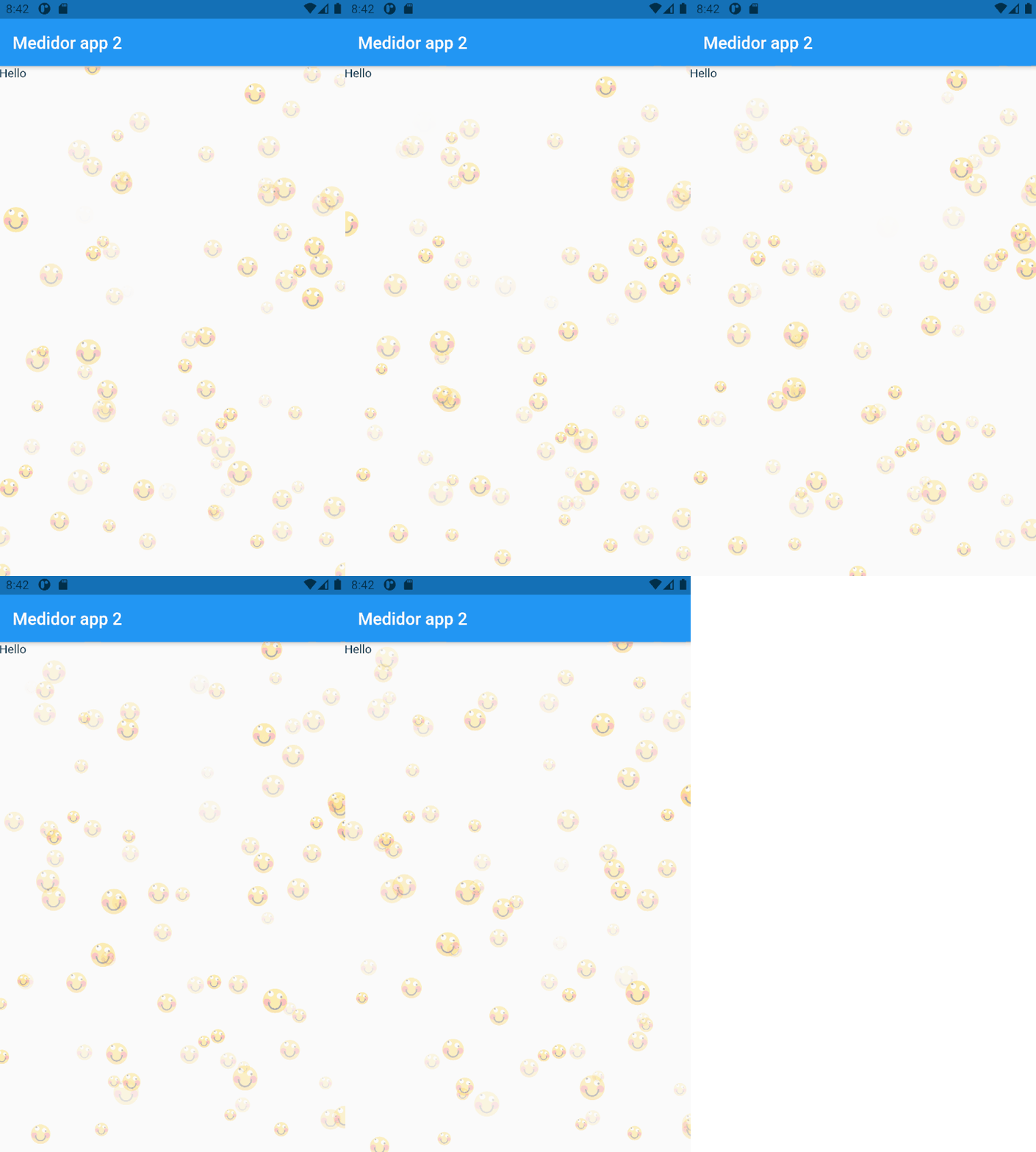
For the previous class, we have an object that we can customize in terms of images, speed, opacity, quantity...
final particleOptions = ParticleOptions(
     image: Image.network(
         "https://cdn4.iconfinder.com/data/icons/emoji-18/61/3-512.png"),
     baseColor: Colors.blue,
     spawnOpacity: 0.0,
     opacityChangeRate: 0.25,
     minOpacity: 0.1,
     maxOpacity: 0.4,
     spawnMinSpeed: 30.0,
     spawnMaxSpeed: 70.0,
     spawnMinRadius: 7.0,
     spawnMaxRadius: 15.0,
     particleCount: 40,
   );
RandomParticleBehaviour(options: particleOptions),
⚙️ 2.2 Animation Customization
The package allows you to configure many aspects so that the background adapts to your design. Through the options property, we can define variables such as:
- Images: You can use icons or images (like a smiley face).
- Colors and Opacity: Define the background color and the transparency range (minimum and maximum).
- Particles: Adjust the quantity, maximum/minimum size, and movement speed.
Be careful with the number of particles. A higher number requires more processing and the device's performance could be affected.
2.3 Available Background Types
Besides random particles, the package offers other predefined behaviors that you can easily swap by changing the class in the behaviour property:
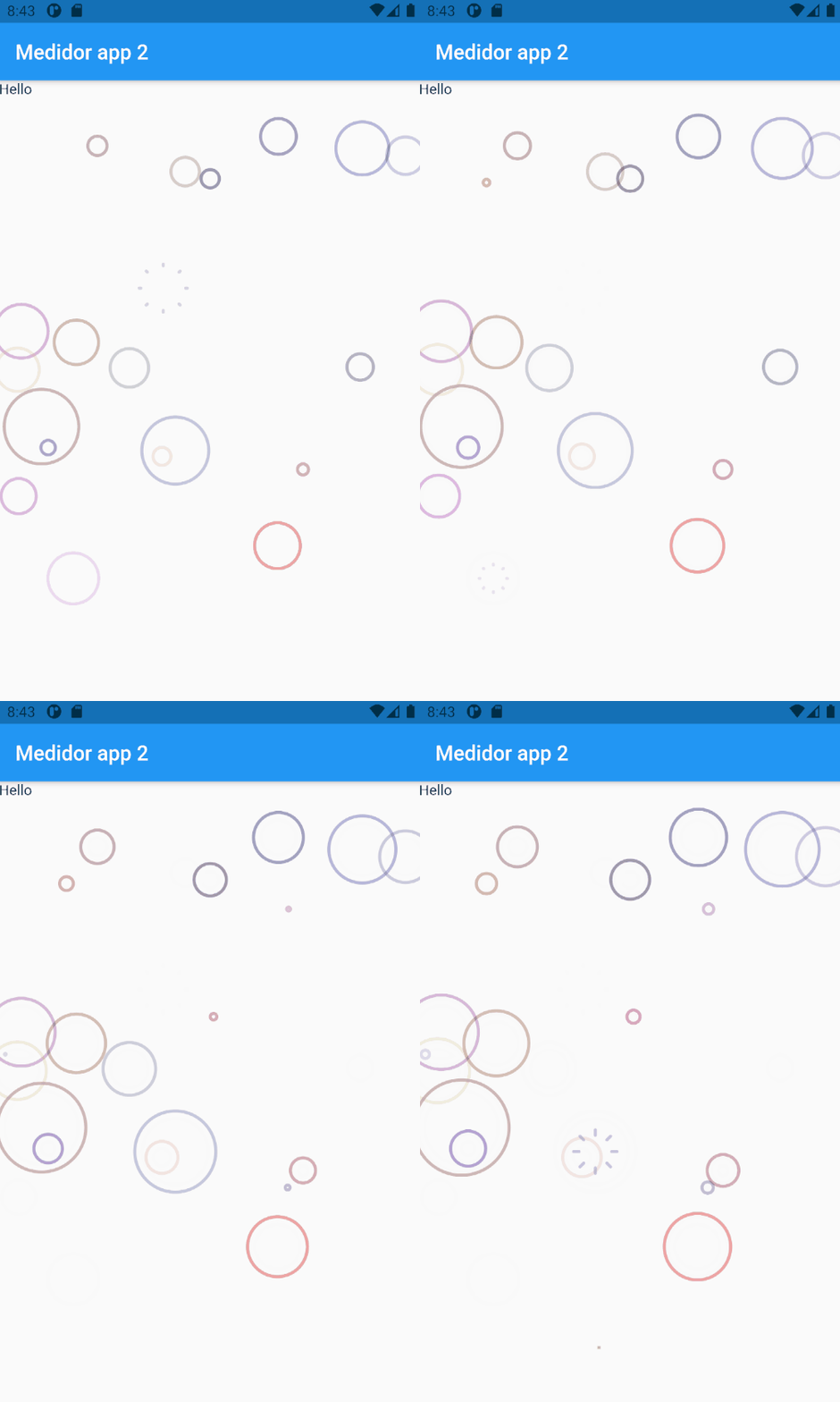
- Bubbles (BubblesBehaviour): Generates bubbles that float gently across the screen.
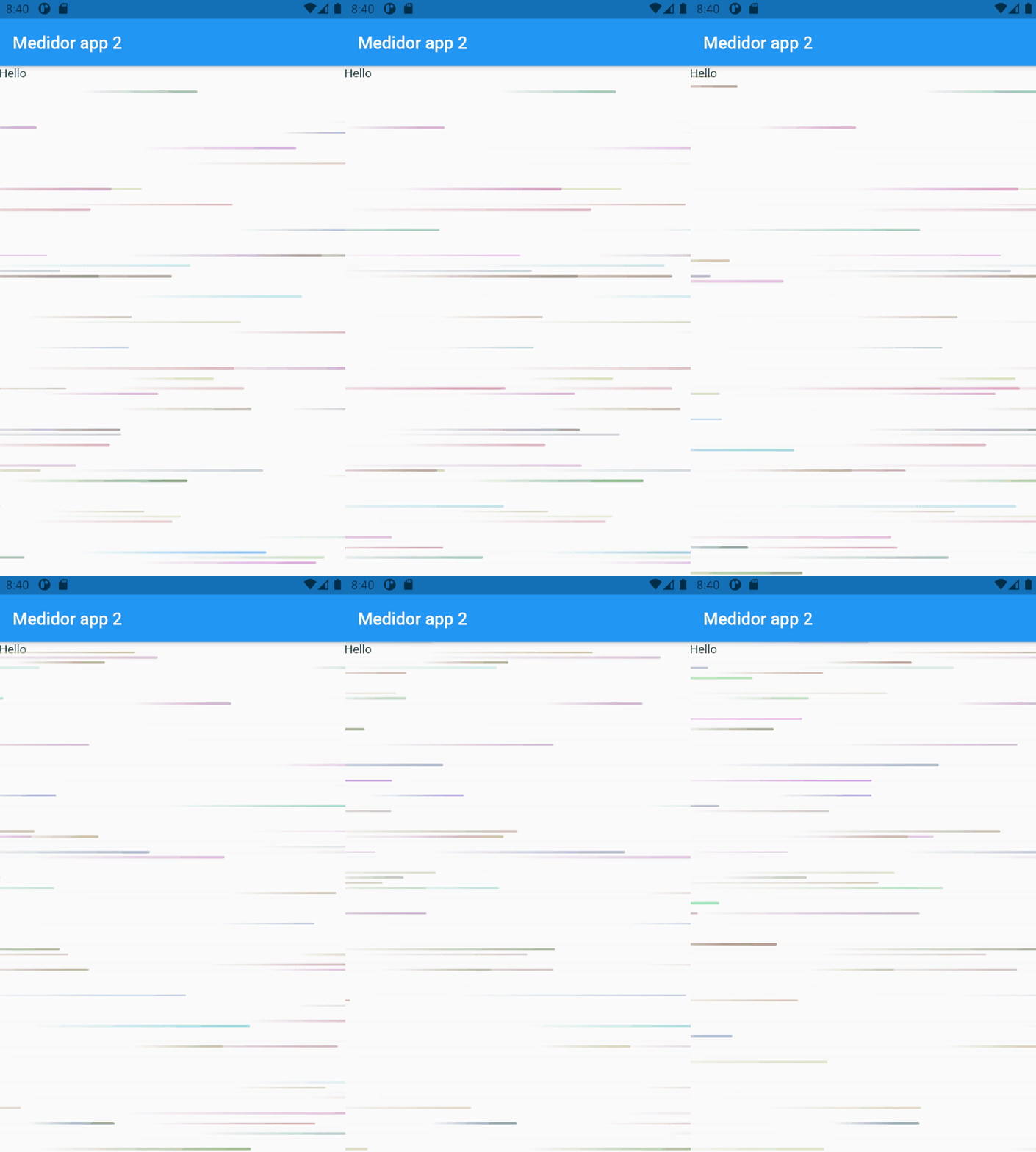
- Racing Lines (RacingLinesBehaviour): Creates a dynamic effect of moving lines.
- Particles (RandomParticleBehaviour): The one we saw at the beginning with random dots or images.
That is how easy it is to bring your application to life with attractive and professional designs using Flutter and this powerful package.
Bubbles: BubblesBehaviour():
Lines: RacingLinesBehaviour():
Conclusions
And that's all, it's an easy-to-use package that offers us an interesting set of variants and that of course, we can customize; remember not to overdo it with this package to avoid performance issues.
Learn about this WYSIWYG or Rich HTML Content package in Flutter