Let's learn how to create a ripple effect using pure CSS animations. The ripple effect—also known as a wave, throbbing, or expansion effect—consists of a circle radiating outward, simulating the movement of water when a drop falls. It is particularly useful for drawing the user's attention to a key interface element without relying on JavaScript or external libraries like jQuery or Bootstrap.
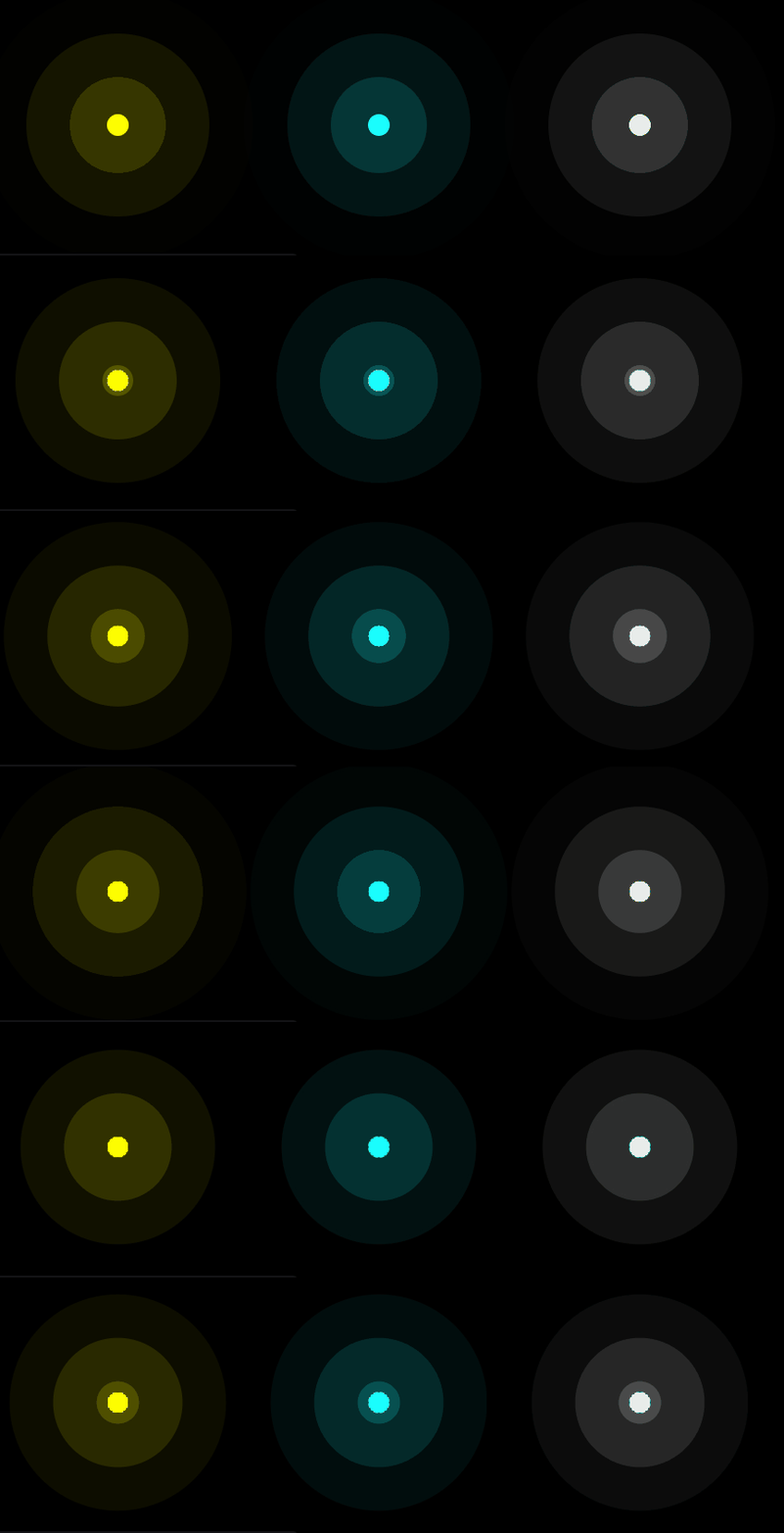
To achieve this, we will start with a circle (though it can be any shape) that expands progressively with a striking transparent shadow. The real trick lies in animating the box-shadow property, allowing it to grow from zero to a large radius while fading out, which produces that propagating wave sensation.
Let's start with the HTML, which simply consists of three div elements with the ripple class:
<div class="ripple"></div>
<div class="ripple" style="filter:hue-rotate(120deg)"></div>
<div class="ripple" style="filter:grayscale()"></div>
Notice that by using the CSS filter filter: hue-rotate(120deg), we can create color variations without duplicating code, and with filter: grayscale(), we obtain a grayscale version—all from the same base class.
Now for the CSS. The central trick is expanding the box-shadow using a @keyframes animation:
.ripple {
  width: 1rem; /* control the size */
  background: #ff0; /* control the color here */
}
.ripple,
.ripple::before,
.ripple::after {
  content: "";
  display: grid;
  grid-area: 1/1;
  aspect-ratio: 1;
  border-radius: 50%;
  box-shadow: 0 0 0 0 #ff03; /* and here, 3 is the transparency */
  animation: r 3s linear infinite var(--s,0s);
}
.ripple::before {--s: 1s}
.ripple::after  {--s: 2s}
@keyframes r {
  to {box-shadow: 0 0 0 6rem #0000}
}
body {
  margin: 0;
  height: 100vh;
  display: flex;
  justify-content: center;
  align-items: center;
  gap: 11rem;
  background: #000;
}- The
gapproperty specifies the spacing between columns and rows in theflexcontainer, controlling the visual space between the three ripple elements. - With
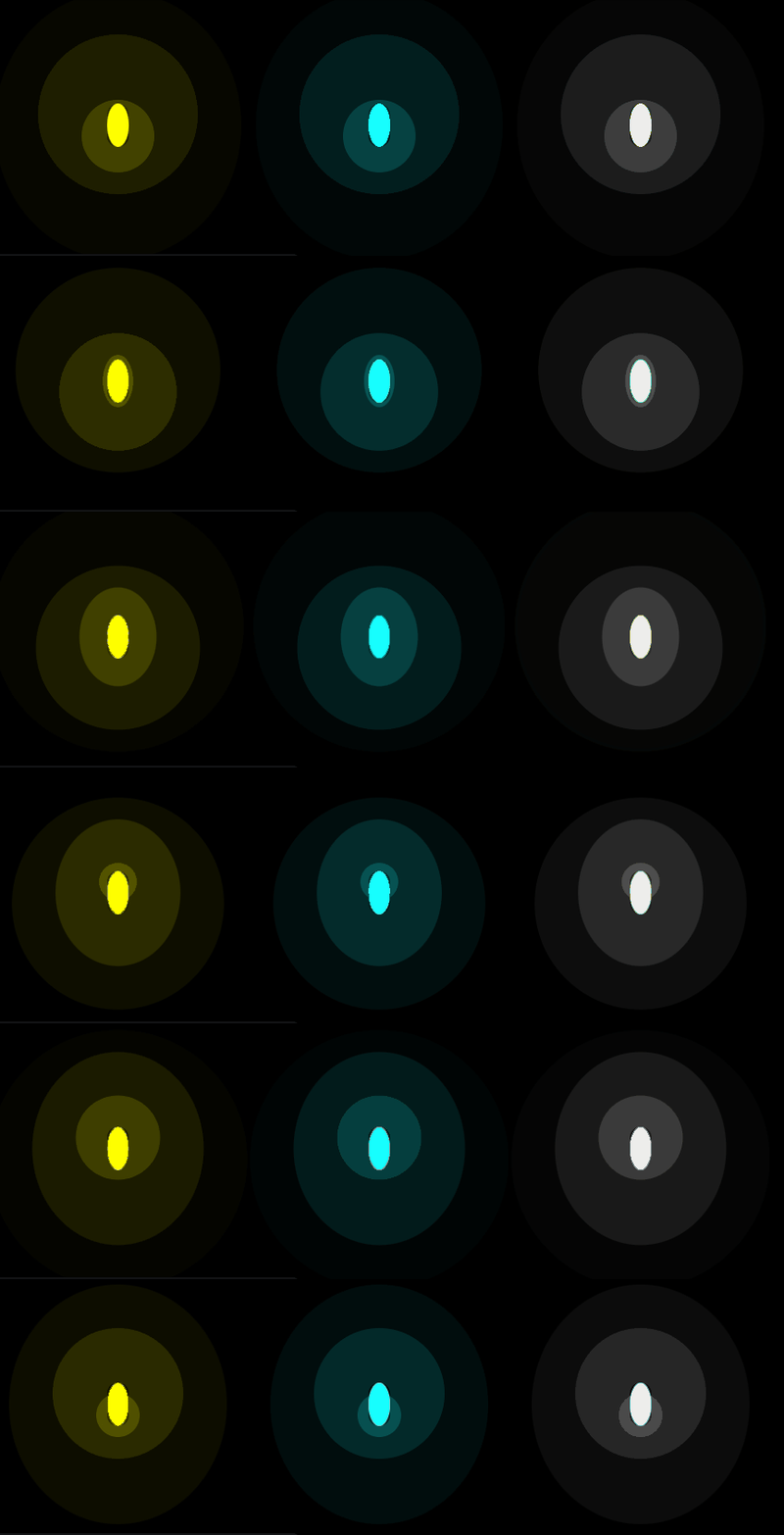
grid-area: 1/1, we instruct all three layers (.ripple,.ripple::before, and.ripple::after) to stack in the exact same cell of the grid. If you comment out this line, you will see that the three waves appear in different positions instead of overlapping. - Using the pseudo-elements
::beforeand::after, we define two additional "layers" on top of the main element without adding extra HTML markup. Each of these layers represents a distinct wave within the animation, giving it that multi-wave concentric look.
box-shadow- Since we have two pseudo-elements (
::beforeand::after), there are three animated layers in total: the.rippleelement itself plus the two layers generated purely with CSS. - The most interesting part of the code is that it utilizes a local custom property (CSS variable). The variable
--sdefaults to0sin.ripple,1sin::before, and2sin::after. This staggered delay inanimation-delayis precisely what produces the continuous wave effect, pulsing every second.
Ripple Effect on Buttons with CSS
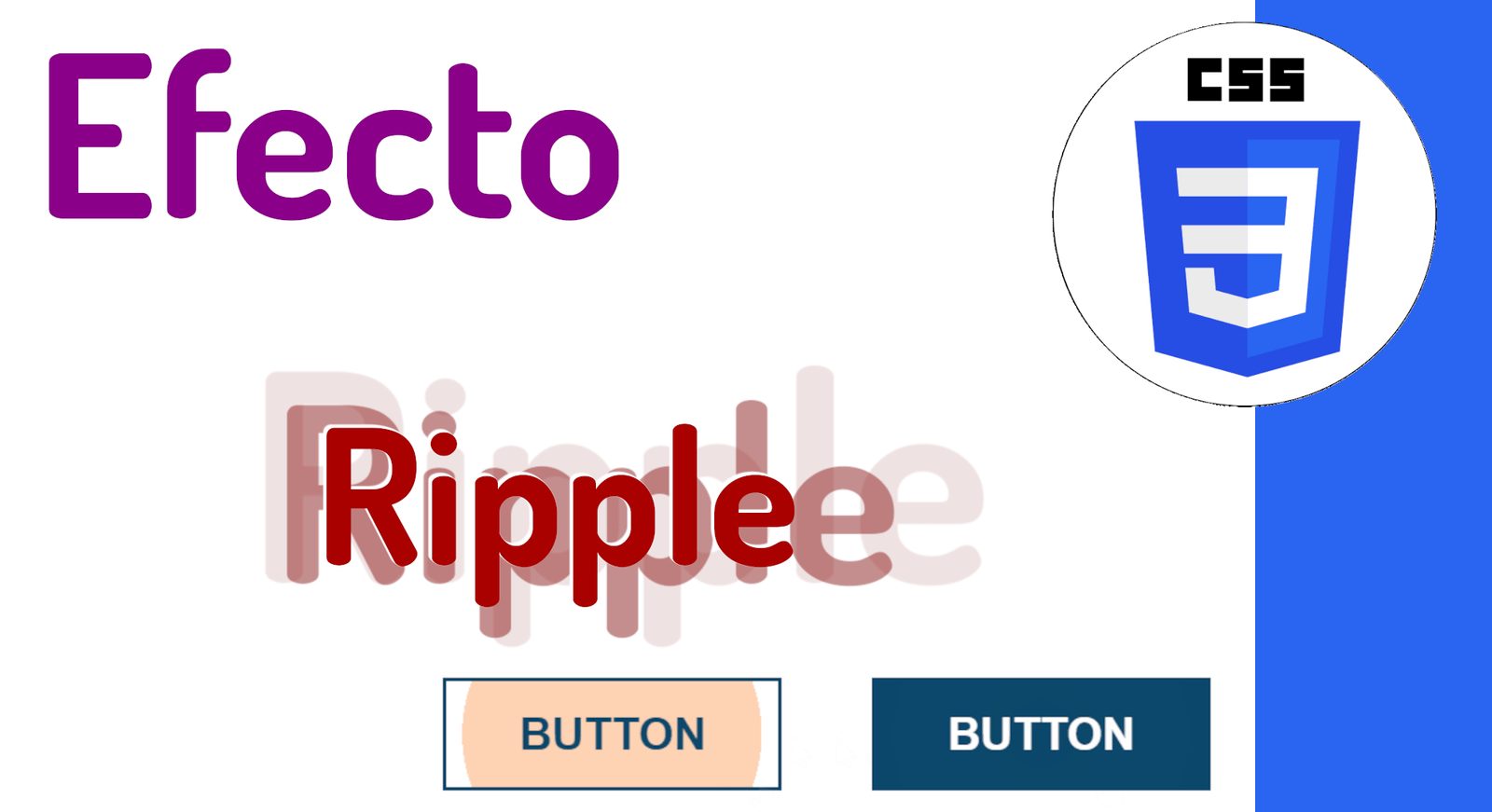
Now let's see how to apply the ripple effect directly to buttons using CSS. Unlike the previous example, the effect here is not continuous; instead, it is triggered upon click, mimicking Google's famous Material Design ripple effect behavior without a single line of JavaScript.

The button's base styling uses a radial-gradient as its background, initially collapsed to a minimal size. This is crucial for the effect: the transition of the gradient's size simulates the expanding wave:
button {
  border: 2px solid;
  padding: 15px 40px;
  font-size: 25px;
  text-transform: uppercase;
  font-weight: bold;
  cursor: pointer;
  background:
    radial-gradient(circle, #0000 1%, var(--c) 1%) 50%/0%
    var(--c);
  transition: background 0.6s;
}
The HTML for the buttons is very straightforward; we use CSS variables (custom properties) to customize the colors of each variant:
<button class="light">Button</button>
<button class="dark" style="--r: #f3738a;">Button</button>
The trick lies in the :hover state, where we expand the background-size to an enormous value (15000%). This causes the gradient to completely fill the button with a smooth 0.6s transition previously defined:
button:hover{
  background-size: 15000%;
}
And with the :active pseudo-class—which triggers at the exact moment of clicking—we perform an instant color change (without transition, thanks to transition: 0s) and reset the background-size to 100%. It is this combination of expansion on hover and collapse on active that generates the illusion of a ripple effect when pressing the button:
button:active {
  background-color: var(--r,#FA6900); /* color of the ripple effect*/
  background-size: 100%;
  transition: 0s;
}
.light {
  --c: #fff;
  color: #0B486B;
}
.dark {
  --c: #0B486B;
  color: #fff;
  border-color: var(--c);
}
body {
  margin:0;
  height:100vh;
  display:grid;
  grid-auto-flow:column;
  place-content:center;
  grid-gap:50px;
}
How to Create a Radar Effect with CSS Animations?

In this section, we will see how to create a radar effect with CSS using multiple div tags and a @keyframes block that animates the size and opacity of each wave. The result is an animation of concentric waves expanding from the center, very similar to what you see in real-time tracking or map applications:
To achieve this, we will use CSS animations by defining the following @keyframes named radar. Notice how we simultaneously control width, height, border thickness, and opacity at key stages of the animation:
@keyframes radar{
0%{
    width:75px;
    height:75px;
    border:40px
    solid #fff;
    opacity:0
}50%{
    opacity:.1
}
90%{
    width:750px;
    height:750px
}
90%,100%{
    border:2px
    solid #fff;
    opacity:0
}100%{
    width:1500px;
    height:1500px
}
And a bit more CSS to define its shape, color, initial size, and position it at the center of the screen using the transform property along with translate(-50%, -50%)—a classic technique for absolute centering on an element with position: absolute:
.radar {
   position: absolute;
   top: 50%;
   left: 50%;
   border-radius: 50%;
   border: 10px solid #fff;
   width: 150px;
   height: 150px;
   transform: translate(-50%,-50%);
   animation: radar 2s infinite;
   opacity: 0;
}
Now we will define each wave in HTML. Each div with the radar class represents an independent wave; by using four, we achieve a sense of depth and continuity in the animation:
<div class="radar"></div>
<div class="radar"></div>
<div class="radar"></div>
<div class="radar"></div>
To prevent the waves from overlapping each other and appearing as a single element, we stagger the start of each animation using the animation-delay property in combination with the :nth-child() selector. This way, each wave starts at a slightly different time, creating that visual effect of continuous propagation:
.radar:nth-child(2) {
    animation-delay: .4s;
}
.radar:nth-child(3) {
    animation-delay: .9s;
}
.radar:nth-child(4) {
    animation-delay: .15s;
}
And that is the core knowledge needed to build the effect. Additionally, we set a dark blue background as a contrast color, allowing the white waves to be clearly appreciated. Without strong color contrast, the effect completely loses its visual impact.
What makes this code versatile is that we can easily adapt the initial example to place any element in the center—such as an image, an icon, or a call-to-action button—resulting in an effect that draws 100% of the user's attention to the main element:
The next experiment to check out is Multiple animated backgrounds with CSS