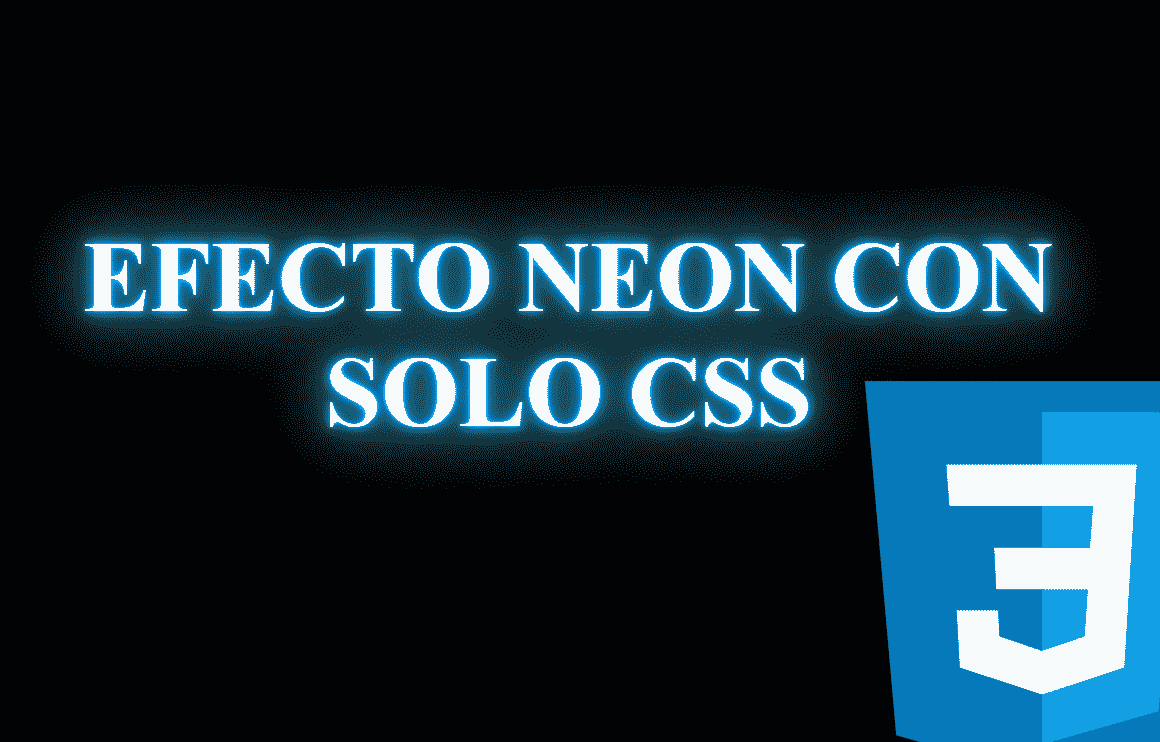
Neon text using only CSS is one of those visual resources that, when used well, can completely transform the perception of a website. It doesn't just provide a futuristic or “cyberpunk” style; it can also fulfill a much more important function: directing the user's gaze toward a key point.
The neon effect works especially well when you want something to stand out without the need for images or JavaScript: a main title, a call to action, or an important message.
In this article, we will see how to create that effect step-by-step using only CSS, from the basics to animations and best practices.
Previously we saw how to create an animated carousel with CSS.
When to use neon text on a website (and when not to)
Before diving into the code, it's worth clarifying something: neon text is not decorative by default; it is a visual emphasis tool.
I usually use it only when I want the user to look there no matter what. For example:
- A main hero section
- A CTA (“Sign up,” “View demo,” “Offer”)
- A specific message that must stand out from the rest
If everything on the page glows, nothing stands out. Neon loses its impact when overused, something often seen in purely aesthetic examples. When applied correctly, however, it creates visual hierarchy immediately.
Preparing the environment: background, typography, and contrast
With our HTML document ready, we create the base CSS to style our content:
body {
	background-color: #000000;
	font-size: 50px;
}

h1 {
	font-weight: bold;
	text-align: center;
	text-transform: uppercase;
}
Some key points:
- Black or very dark backgrounds work best
- Simple, thick typefaces are better than thin fonts
- Large text sizes enhance the effect
Basically, a dark background, a large font size, centered text, and all text in uppercase; now, to achieve the neon effect, we have:
How to create neon text with CSS using text-shadow
.neon {
	color: #fff;
	margin-top: 30%;
	text-shadow:
		0 0 5px rgba(0,178,255,1),
		0 0 10px rgba(0,178,255,1),
		0 0 20px rgba(0,178,255,1),
		0 0 40px rgba(38,104,127,1),
		0 0 80px rgba(38,104,127,1),
		0 0 90px rgba(38,104,127,1),
		0 0 100px rgba(38,104,127,1),
		0 0 140px rgba(38,104,127,1),
		0 0 180px rgba(38,104,127,1);
}
As we can see, we simply apply shadows upon shadows in different positions to create a nice neon-like pattern; we start by applying the lightest, brightest color and then a slightly darker color; with this, we achieve the neon effect, which you can experiment with at the beginning and end of this post.
The pattern here is clear:
- Light and small shadows close to the text
- Larger and darker shadows moving outward
This type of effect is what I usually use when I want to highlight a key message without animations, keeping the web clean and legible.
What text-shadow actually does
The syntax is:
text-shadow: x-offset y-offset blur-radius color;- x-offset → horizontal displacement
- y-offset → vertical displacement
- blur-radius → blur (this is where the magic happens)
- color → color of the glow
Why use multiple overlapping shadows
A single shadow lacks depth. By combining several, we achieve:
- An intense glow near the text
- A more diffuse halo toward the exterior
- A much more realistic effect
Neon text animations with CSS
If you want to go a step further, animations add realism.
Old sign style flickering effect:
@keyframes flicker {
 0%, 18%, 22%, 25%, 53%, 57%, 100% {
   text-shadow:
     0 0 5px #fff,
     0 0 20px #0fa,
     0 0 40px #0fa;
 }
 20%, 24%, 55% {
   text-shadow: none;
 }
}
h1 {
 animation: flicker 1.5s infinite alternate;
}
It works very well to give a retro touch, but I use it carefully: excessive flickering can be more distracting than intended.
Pulsating glow
Softer and more elegant:
@keyframes pulsate {
 from {
   text-shadow:
     0 0 5px #fff,
     0 0 20px #0fa;
 }
 to {
   text-shadow:
     0 0 10px #fff,
     0 0 40px #0fa;
 }
}
h1 {
 animation: pulsate 2.5s infinite alternate;
}
This effect is ideal when you want to attract attention without being aggressive.
Subtle and realistic flicker
Greatly reducing the variation and increasing the frequency:
h1 { animation: pulsate 0.12s ease-in-out infinite alternate;}Here the glow almost “breathes,” which looks very good in headers or banners.
Adding depth: borders and frames with a neon effect
To frame the text, you can combine border with box-shadow:
h1 {
 border: 0.2rem solid #fff;
 border-radius: 2rem;
 padding: 0.4em;
 box-shadow:
   0 0 0.2rem #fff,
   0 0 2rem #bc13fe,
   inset 0 0 1.3rem #bc13fe;
}
The use of inset adds a glow toward the inside, providing a very realistic sense of volume.
Accessibility and best practices
prefers-reduced-motion
If you animate the text, respect users who prefer less movement:
@media (prefers-reduced-motion: reduce) {
 h1 {
   animation: none;
 }
}
This is something many examples ignore, but it makes a difference in quality.
Do not abuse the neon effect
- Neon works best as an accent, not as a base style.
- When I have used it to highlight CTAs or key messages, the contrast does the work for you. When I have used it excessively... it loses its strength.
Common mistakes when using neon text in CSS
- Using light backgrounds
- Applying the effect to small text
- Abusing fast animations
- Not considering accessibility
- Using it throughout the site without hierarchy
FAQs — Frequently Asked Questions
- Can neon text be created without JavaScript?
- Yes, completely. The entire effect is achieved with CSS.
- What CSS property is the most important?
- text-shadow, combined multiple times.
- Does it affect performance?
- Generally no, except for very intense animations or excessively large texts.
- Is animated neon text accessible?
- It can be if you respect prefers-reduced-motion.
Conclusion: neon as a tool for visual attention
Neon text with only CSS is not just a visual trick. When well applied, it is a powerful tool to guide user attention, reinforce key messages, and give personality to a website without depending on JavaScript or images.
My recommendation is clear: use it with intention. When neon has a purpose, it truly stands out.